AlphaBrain — a second brain you still own.
Notes stay as Markdown in a folder in your own Google Drive. AlphaBrain renders the connections between them as a navigable 3D graph — both the links you wrote by hand and the ones it infers from what the notes are actually about.
The problem
Note apps ask for years of your thinking and give you an export button. Two problems follow. Your notes end up in a proprietary store you cannot read without the app. And the graph those apps draw only contains the links you remembered to type — which is the smallest and least interesting part of how your notes actually relate.
Architecture
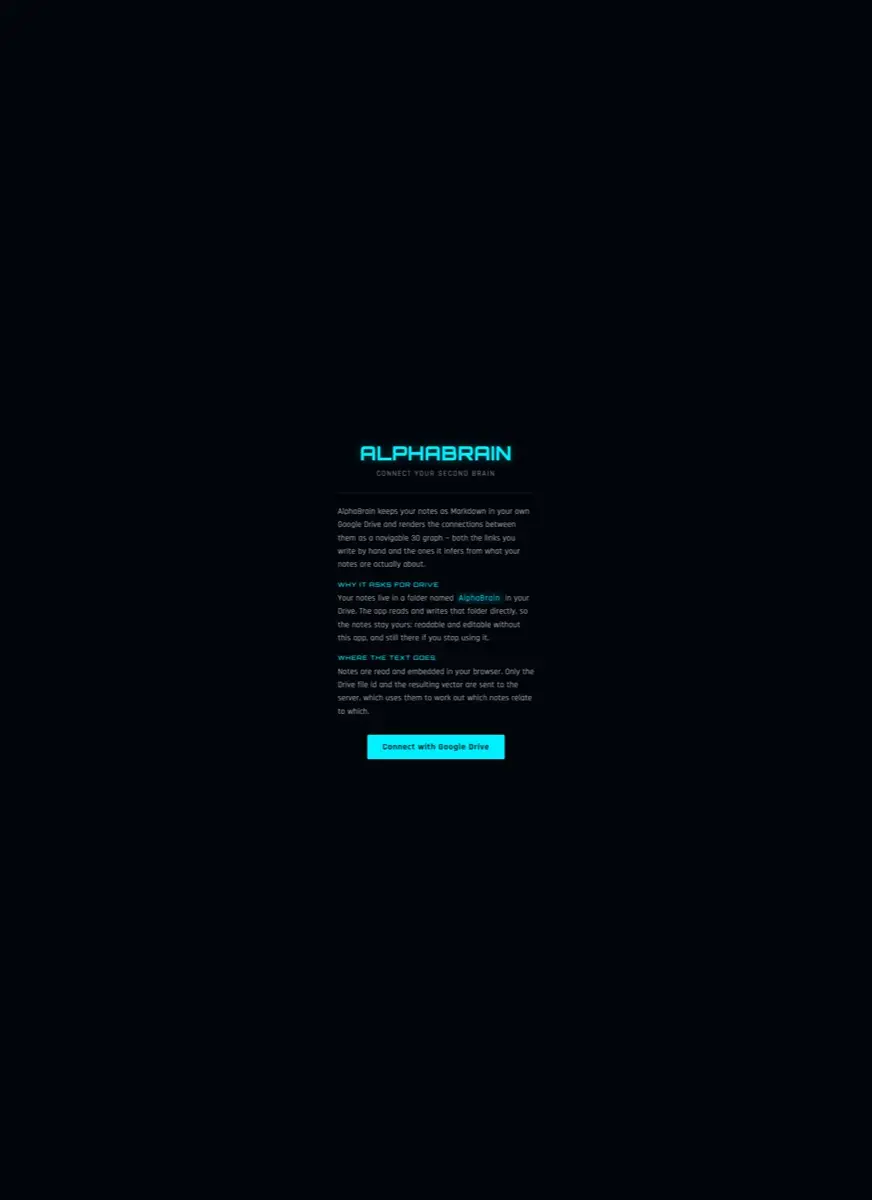
Drive is the database. A folder named AlphaBrain holds the notes; the app reads and writes it directly, with no shadow copy and no sync layer to fall out of step. There is no migration to run, because there is nothing to migrate into. A vault on your own disk works the same way, and an opt-in shared brain trades that for one graph several people can edit.
The work that needs a model happens in the browser. A note is read from Drive, embedded client-side, and only two things travel onward: the Drive file id and the resulting vector. The server's whole job is to answer which vectors are close to which — in your own brain it has never seen a sentence you wrote.
Two kinds of edge
Stylised UI — not a screenshotThe dashed edges are the point. They are the notes you would not have thought to look for.
The hard problem — inference without surrender
Semantic linking normally means a vendor reads everything you write. That is the trade almost every tool in this category makes quietly. Doing it the other way constrains the whole design: embeddings run in the browser, the server holds vectors it cannot invert into text, and asking for Drive access is something the product has to justify in plain words rather than bury in a consent screen.
Embedding cost moves to the client, so the work scales with users rather than with our bill.
A breach of our server leaks a list of file ids and float arrays. There is no note to read — unless you opted into a shared brain, which is stored as text by definition.
Features that need the text — full-text search, summarising a whole vault — are opt-in: a local model where there is one, otherwise a single request you start.
What shipped
Look around it, or have us build one like it.
The entry screen is open to anyone; signing in is by invitation while we use it ourselves. Client-side embeddings and a bring-your-own-storage model transfer to plenty of other products.